What Is Upside Down Text? (And How It's Different From Reversed Text)
What is upside down text and how is it different from reversed text? A simple explanation plus how to create upside down text yourself.
What Is Upside Down Text? (And How It's Different From Reversed Text)
Upside down text is text that visually looks flipped 180 degrees — like you turned the page over and read it from the other side. It's created using special Unicode characters that resemble normal letters rotated upside down, so "hello" turns into something like "ollǝɥ." It looks similar to reversed text, but it's actually a completely different trick under the hood.
This guide explains exactly what upside down text is, how it's different from a text reverser, and how to create it yourself in seconds.
What upside down text actually is
Upside down text works by swapping each letter in your input for a different Unicode character that happens to look like a rotated version of the original letter. The letters aren't actually rotated by the computer — there's no "flip" function doing real rotation. Instead, the tool matches each letter to a lookalike character from elsewhere in the Unicode character set that visually resembles it upside down.
That's why upside down text doesn't work for every character equally well. Most lowercase letters have a decent upside-down lookalike, but numbers, punctuation, and some uppercase letters don't always have a clean match — which is why upside down text generators sometimes produce odd-looking results for certain characters.
Upside down text vs. reversed text — the key difference
These two get mixed up constantly, so here's the clearest way to tell them apart:
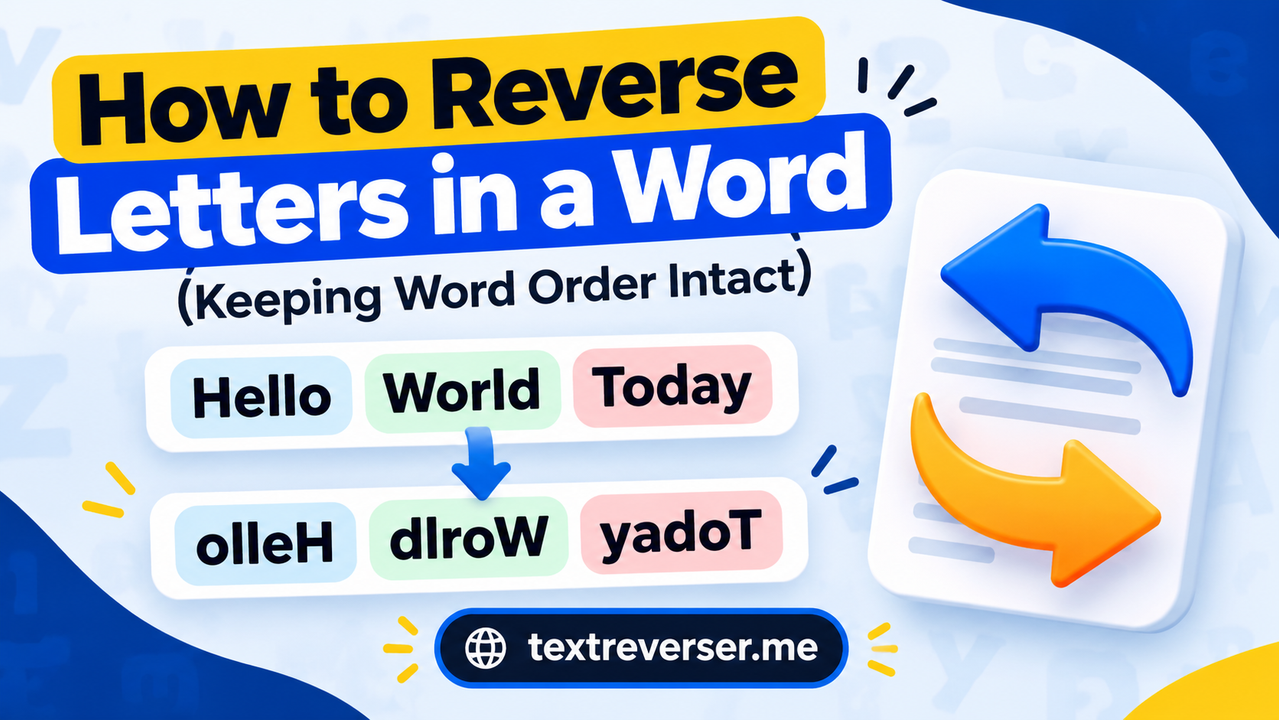
Reversed text changes the order of characters. The letters themselves stay completely normal — only their sequence flips, so the last character becomes the first. You can learn exactly how this works in what a text reverser does.
Upside down text keeps the order of characters the same, but swaps each letter for a different symbol that looks rotated. The sequence doesn't change — the first letter you typed is still visually first, it just looks flipped.
A simple way to remember it: reversed text rearranges the letters, upside down text redraws them.
Because of this difference, reversing upside down text again doesn't reliably restore your original text the way reversing normal reversed text does — you're working with substitute characters, not a true mirror of the input.
Why does upside down text sometimes look broken?
Since upside down text relies on matching real Unicode characters to lookalike symbols, results can vary depending on:
- The font being used — not every font renders every Unicode character the same way, so upside down text can look slightly different across apps and devices.
- Which characters you use — letters generally have solid upside-down matches, but numbers, punctuation, and certain uppercase letters may not, leading to gaps or odd substitutions.
- The platform you paste it into — some apps strip out uncommon Unicode characters entirely, which can make part of your upside down text disappear.
This is the main tradeoff of upside down text compared to true text reversal: reversed text is always 100% reliable because it only rearranges normal characters, while upside down text depends on how well a given platform displays special Unicode symbols.
How to create upside down text
Creating upside down text takes a few seconds with an online tool:
- Open an upside down text generator (or the flip text mode inside a text reverser).
- Type or paste the text you want to flip.
- Copy the upside down result.
- Paste it wherever you need it — a caption, bio, or message.
If what you actually want is your text in reverse order rather than visually flipped, that's a different tool mode — see the step-by-step guide to reversing text online for that version instead.
When to use upside down text vs. reversed text
Use upside down text when you want a purely visual effect — a novelty caption, a bio that stands out, or a message that looks flipped without needing to be "decoded" in the traditional sense.
Use reversed text when you need the actual character or word order changed — for testing code, checking a palindrome, creating a puzzle clue, or making a word or sentence backwards in a way that can be reliably reversed back to the original.
FAQ
Is upside down text the same as mirror text? They're closely related but not identical. Upside down text rotates letters 180° (so they'd look correct if you turned the screen upside down). True mirror text reflects letters left-to-right, like looking in a mirror — a different visual effect using different character substitutions.
Why doesn't my upside down text look right in some apps? It depends on the Unicode characters used and whether the app or font you're pasting into supports them properly. Some platforms strip out less common Unicode characters, which can make parts of your upside down text disappear or render incorrectly.
Can I convert upside down text back to normal? Not reliably through reversal, since upside down text uses substitute characters rather than reordering the originals. The safest way to get your original text back is to keep a copy of it before converting, rather than trying to reverse-engineer the upside down version.
Is upside down text good for SEO or search rankings? No — search engines read the underlying Unicode characters, not the visual "upside down" effect, so it won't help or hurt rankings directly. It's a styling choice, not an SEO tactic.
What's the fastest way to make upside down text? A free online tool is fastest — paste your text, select the flip/upside-down mode, and copy the result instantly, no manual character-matching required.
Try the Text Reverser tool
Reverse text, words, or letters instantly — free and entirely in your browser.
Open the tool